 T.R. Maxwell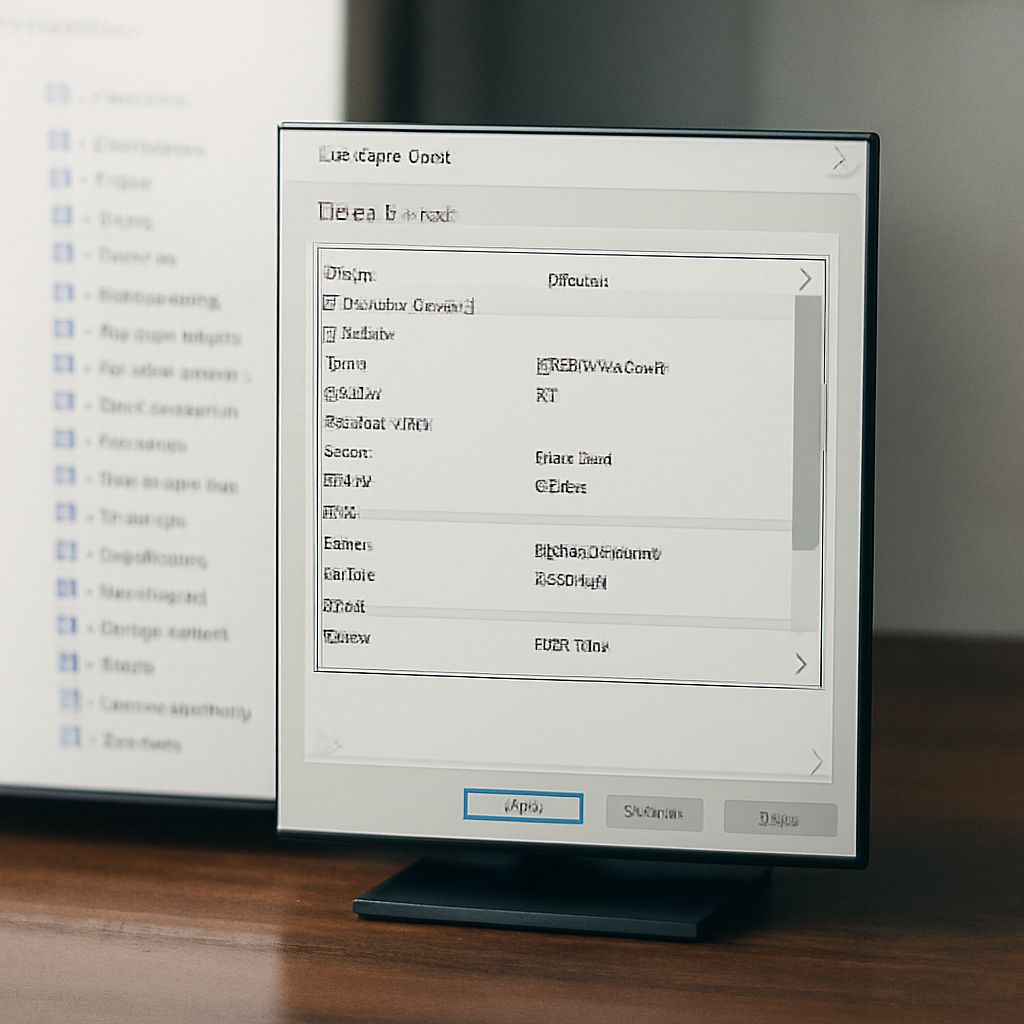
An mp3 metadata editor reads and writes the tag information embedded in audio files — the data that tells your media player the artist name, album title, track number, genre, and cover art for each song. Without accurate tags, even the most carefully curated music library becomes difficult to navigate. An audio tag editor does more than fix misspelled artist names: it builds the organizational architecture that makes thousands of files searchable, sortable, and properly displayed across every device and platform where you play music.
A music tag editor handles formats beyond just MP3 — most modern tools support FLAC, AAC, OGG, OPUS, M4A, and WAV in addition to MP3. An audio metadata editor with broad format support eliminates the need to switch tools for different file types. A song tag editor that automates lookups from online databases like MusicBrainz, Discogs, or AcoustID dramatically reduces the manual effort required to tag large libraries accurately.
What Audio Tags Contain
An mp3 metadata editor writes to the ID3 tag standard (ID3v1, ID3v2.3, or ID3v2.4) for MP3 files. These tags contain:
- Basic fields: Title, artist, album, year, track number, disc number, genre
- Extended fields: Album artist, composer, lyricist, comment, BPM, key
- Cover art: Embedded JPEG or PNG image displayed in media players
- Custom fields: User-defined text frames for specialized cataloguing needs
An audio tag editor that supports ID3v2.4 provides the best compatibility with modern streaming and playback software, though some car stereo systems and older players read only ID3v1. Most audio metadata editor tools can write both versions simultaneously.
Top MP3 Metadata Editor Tools
The mp3 metadata editor landscape includes several well-established options:
- Mp3tag: The most widely used music tag editor on Windows, with support for over 40 audio formats, batch tag operations, online database lookups, and a clean interface. Free to use with optional donation.
- MusicBrainz Picard: A cross-platform audio metadata editor that uses acoustic fingerprinting to identify recordings and auto-populate tags from the MusicBrainz database. Particularly useful for unidentified or mislabeled files.
- Kid3: A cross-platform song tag editor available for Windows, macOS, and Linux with excellent batch editing and scripting capabilities.
- beets: A command-line music tag editor with extensive plugin support, favored by power users and system administrators managing large music servers.
Using an Audio Metadata Editor for Large Libraries
Managing a library of thousands of files with an audio metadata editor requires a systematic approach. Begin with the most disruptive problems — missing or incorrect album artist tags that prevent proper library display — before addressing cosmetic issues like inconsistent capitalization or genre naming conventions.
Workflow for a large library with a music tag editor:
- Run an acoustic fingerprint scan using MusicBrainz Picard to identify unrecognized tracks
- Apply auto-lookup results with manual review to prevent incorrect matches
- Batch-apply album artist tags to all tracks within each album folder using an mp3 metadata editor’s folder-level operation
- Standardize genre tags using a controlled vocabulary — the fewer genre names, the more useful the genre filter
- Embed cover art using the audio tag editor’s bulk artwork application from an album folder structure
Song Tag Editor: Mobile and Streaming Considerations
A song tag editor that works with local files may not directly address streaming library metadata — Spotify, Apple Music, and Tidal manage their own metadata databases that do not read from locally embedded tags. However, when importing locally tagged files into iTunes/Apple Music, the embedded tags from your audio metadata editor populate the library correctly.
For podcast producers and audiobook managers, the same mp3 metadata editor tools handle podcast episode tags, chapter markers, and audiobook metadata — keeping in mind that audiobook metadata often uses different field conventions (narrator, reader, and abridged/unabridged status) than music metadata.







Adam and Eve: Exploring Their Story and Influence
The Adam and Eve story is a cornerstone in biblical commentary. Discover its significance and how it continues to influence media and religious discussions.